
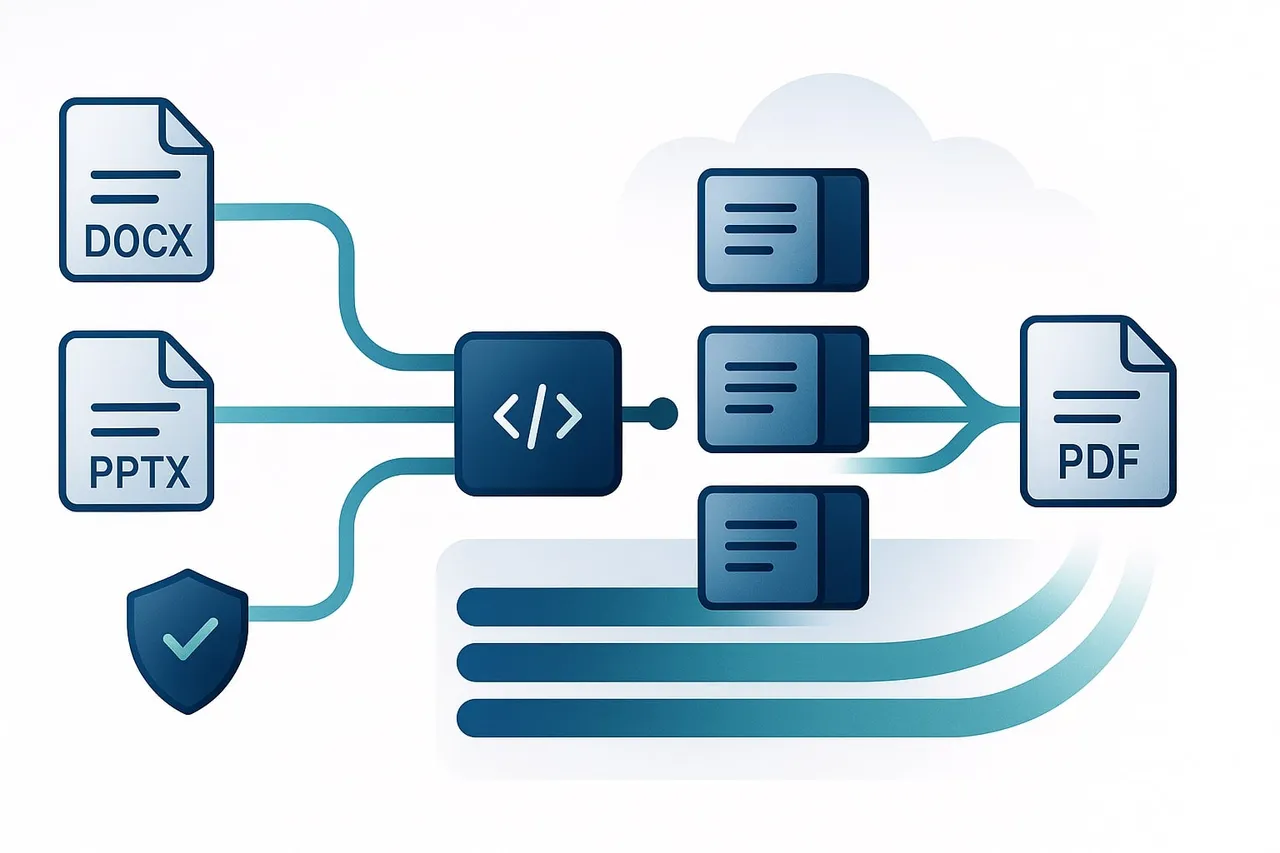
In my previous post, we talked about why Office-to-PDF conversion is a “silent killer” for production servers. We covered the OOM errors, the font issues, and the unpredictable timeouts.
But knowing the problem is only half the battle. The real question is: How do you build an API that handles this chaos gracefully?
If your current design is a simple POST /convert that waits for the file to be ready, you’ve built a ticking time bomb. Let’s talk about how to move from a fragile “Function” to a robust “System.”
1. The First Rule: Embrace Asynchronicity
The biggest mistake is treating document conversion like a standard REST request. Conversion is a heavy, long-running task. In the world of scale, “waiting” is the enemy of availability.
The “202 Accepted” Pattern
Instead of holding a connection open for 30 seconds, your API should respond immediately.
- Client sends:
POST /v1/conversions - Server responds:
202 Acceptedwith ajob_id.
By doing this, you free up your API workers to handle more requests, while the heavy lifting happens in the background via a Worker Queue (think RabbitMQ, Redis, or SQS).
2. Input/Output: Stop Sending Bytes in JSON
I’ve seen developers try to send base64-encoded DOCX files inside a JSON body. Please, don’t. It bloats your memory usage and makes request parsing a nightmare.
Use Pre-signed URLs
Your API shouldn’t be a middleman for file data. Use cloud storage (S3, GCS) to your advantage:
- Client uploads the Office file to a secure, temporary S3 bucket.
- Client sends the
s3_urlto your API. - Worker downloads the file, converts it, and uploads the PDF back to S3.
- API provides a pre-signed download URL to the client.
This keeps your API memory footprint tiny and leverages the battle-tested reliability of cloud storage.
3. The “Don’t Call Me, I’ll Call You” Pattern (Webhooks)
Once a conversion is finished, how does the client know? You have two choices: Polling or Webhooks.
- Polling (The noisy neighbor): The client asks
GET /jobs/{id}every 2 seconds. It’s easy to implement but wastes resources. - Webhooks (The professional way): The client provides a
callback_url. When the PDF is ready, your system pushes a notification to the client.
Pro-tip: In production, always implement a Retry Policy for webhooks. If the client’s server is down, your system should back off and try again later, rather than just dropping the result.
4. Idempotency: Don’t Convert the Same File Twice
Document conversion is expensive (CPU/RAM = Money). If two users upload the same file, or a user accidentally clicks “Submit” twice, you shouldn’t run the engine twice.
The Solution: Content Hashing (SHA-256).
Before starting a job, hash the input file. If a job with that same hash was completed in the last hour, simply return the existing pdf_url. This saves money and improves the user experience instantly.
5. Security Boundaries (The Sandbox)
In a SaaS environment, you are processing untrusted input. An Office file can be a “Zip Bomb” or contain malicious macros designed to escape your environment.
Your API design must include Isolation:
- Containers: Run each conversion in a short-lived Docker container with strict CPU/RAM limits.
- Networking: Disable internet access for the conversion worker. There is no reason for a PDF renderer to talk to an external IP.
- Timeouts: If a job takes more than 120 seconds, kill it. No exceptions.
Final Thoughts
Designing a conversion API is about managing expectations. By moving to an asynchronous architecture, you protect your system from spikes and provide a reliable service. In the US and EU markets, where performance and data integrity are non-negotiable, these architectural decisions are what separate a prototype from a product.
Next up: Benchmarking Open-Source vs. Paid Conversion Engines in 2025.